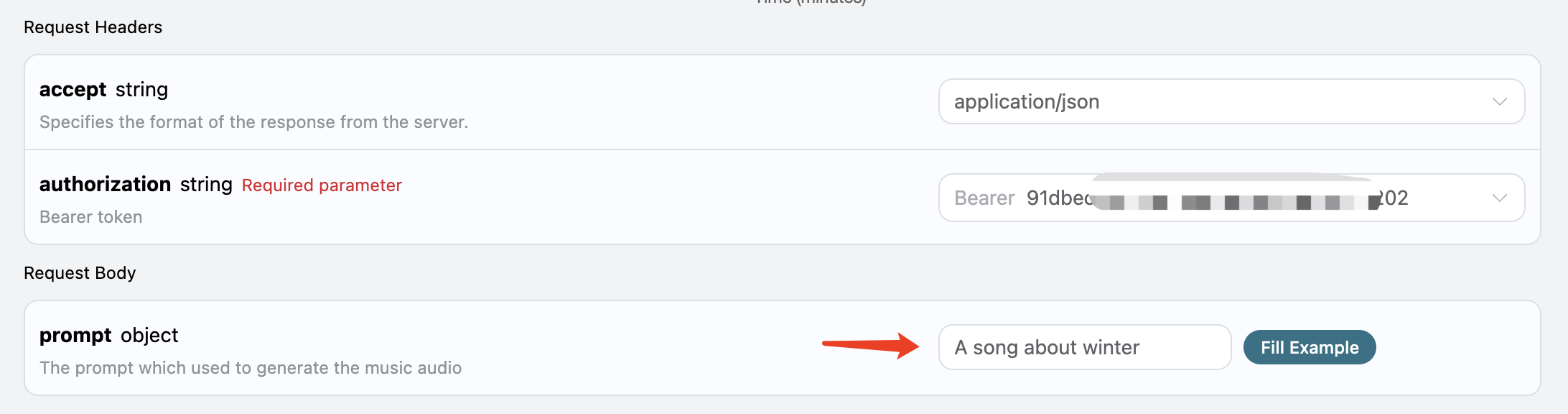
If you want to customize song generation but don’t want to write the lyrics yourself, you can use the lyrics generation API provided by AceDataCloud to generate lyrics through a prompt. The API is the Suno Lyrics Generation API. The main input parameter for this API is prompt, with an optional model (default is chirp-v3). An example of how to fill it out is as follows: Here, the prompt we input is A song about winter, generating a song related to winter. Click to run, and the result is as follows:
{
  "success": true,
  "task_id": "57e8ce3a-39cb-41a2-802f-e70a324f4d0a",
  "data": {
    "text": "[Verse]\nSnowflakes falling from the sky\nWinter's cold touch\nOh how it gets me high\nI bundle up in layers\nOh so cozy\nStepping out and feeling the frost on my nose\nSee\n\n[Verse 2]\nThe world is covered in a blanket of white\nIcicles hanging\nShimmering so bright\nThe chilly air fills my lungs with every breath\nWalking in the snow\nLeaving footprints that won't be left\n\n[Chorus]\nOh\nWinter's cold touch\nIt's a season that I love so much\nSnowfall brings a feeling so divine\nWinter's cold touch\nIt's a magical time",
    "title": "Winter's Cold Touch",
    "status": "complete"
  }
}
As you can see, the text field in data contains the lyrics information. With the lyrics in hand, we can then use the Suno Audios Generation API to generate a custom song.