

Suitable Scenarios
- Content creation: writing, research, posters, covers, short videos, and background music;
- Marketing operations: product images, social media assets, campaign visuals, and brand content;
- Design exploration: reference image editing, style exploration, composition, and multi-version proposals;
- Business teams: completing cross-model, multi-step creative tasks using natural language;
- Developers and advanced users: configuring API Keys, Connectors, Skills, or local tools in supported scenarios.
How to Get Started
- Visit studio.acedata.cloud;
- Choose a login method currently provided on the page;
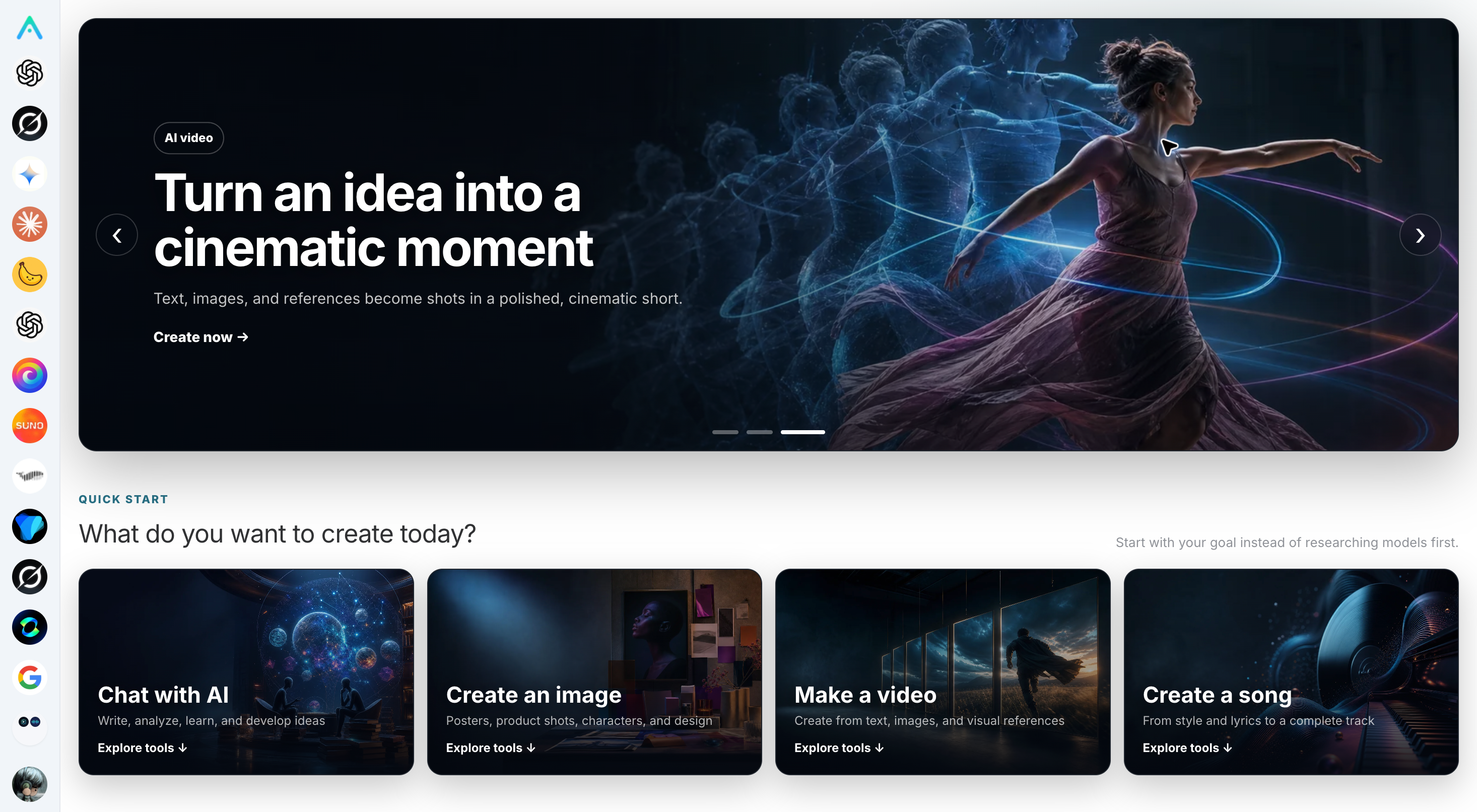
- Enter a tool from the creative goals on the homepage or the capability navigation on the left;
- Review the prices, parameters, and content requirements of the current service;
- First validate the workflow with low-cost tasks, then proceed with high-resolution, long video, or batch generation.
Core Workflows
AI Chat
Used for writing, analysis, learning, programming, and multimodal discussions. Specific models, context capabilities, and tool support are subject to the current model selector.AI Image
Covers text-to-image generation, reference image editing, outpainting, style transfer, and visual design. Different image services each focus on different aspects, including size, text rendering, character consistency, and editing capabilities.AI Video and Automated Video Creation
Supports video creation driven by text, images, reference materials, or scripts. Automated video creation workflows can combine scripts, visuals, voiceovers, subtitles, and music; for long tasks, pay attention to status queries, failure reasons, and the integrity of the final output.AI Music
Supports generating songs from styles or lyrics, and continuing to edit or extend them based on the capabilities provided on the page. Before commercial use, independently verify content rights and the rules of the target platform.Connector, Skill, and Advanced Tools
Some accounts or sites can use Connectors, Skills, and local tools. These entries are constrained by the current product, permissions, and runtime environment, and are not enabled by default for all users or white-label sites.Web, Mobile, and Desktop
The Studio Web version is available atstudio.acedata.cloud. Capabilities and site management entries may differ across mobile and desktop versions:
- White-label site management is displayed only to the current Site administrator in the Web version;
- Native mobile and desktop apps do not display all site operation settings;
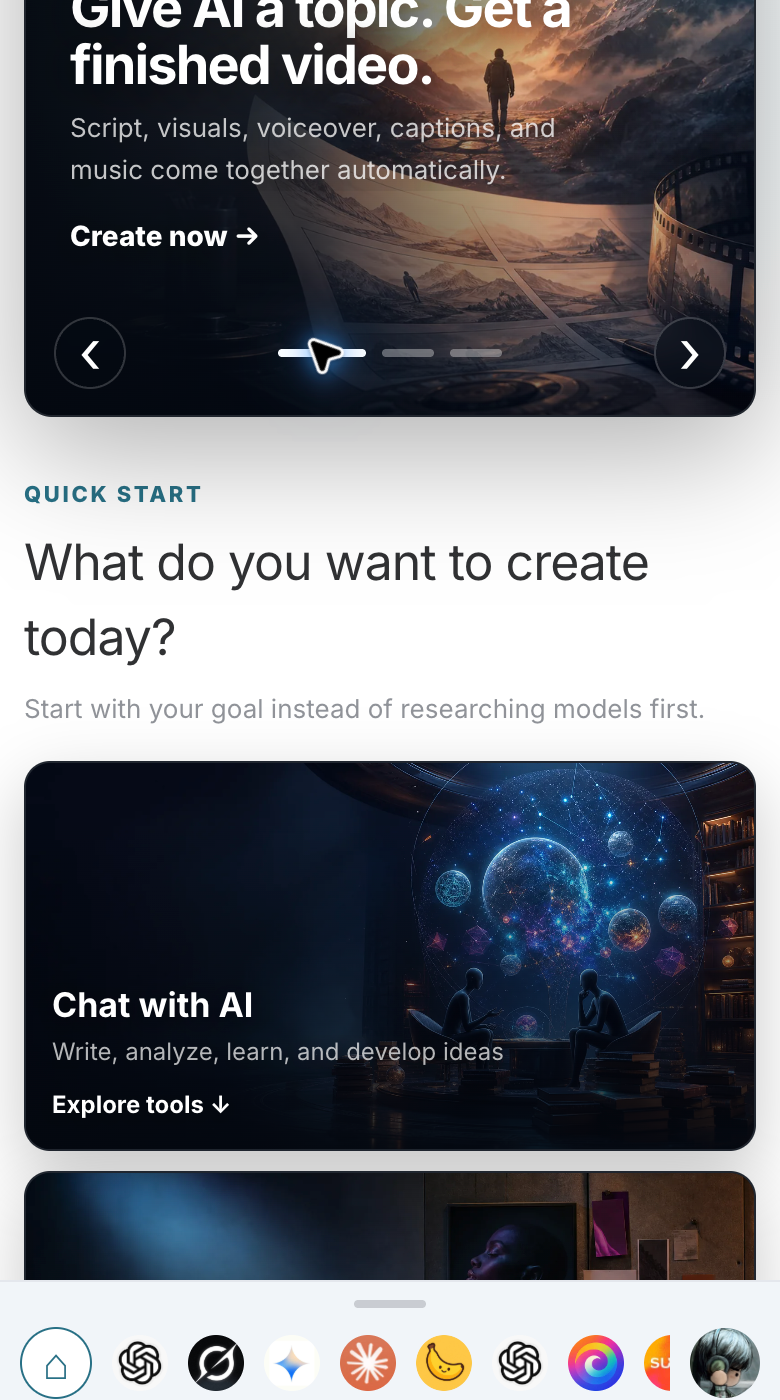
- Mobile-width screens use bottom capability navigation, while complex creation forms are better suited to desktop browsers.
Create Your Own Branded Subsite
If you need to operate Studio with your own name, Logo, page domain, capability catalog, and channel pricing, open the official Studio Web version and go to: User Avatar → Settings → My Sites After creation, click Manage for the target subsite from “My Sites,” then configure branding, login, capabilities, pricing, banners, analytics, and a custom domain. Complete tutorials:- White-Label Platform Overview
- Build a Studio White-Label Site from 0 to 1
- Studio Branding, Customer Service, SEO, and Login
- Studio Capability Catalog and Pricing
- Studio Custom Domain and Launch Acceptance
White-Label and Distribution Boundaries
- A white-label site is a Site configuration on a shared platform, not an independent deployment or independent database;
- User accounts, balances, subscriptions, and most assets belong to the shared system;
- Hiding top-ups, capabilities, or services is only page display control, not permission isolation;
- Site markups are channel prices in the normal white-label purchase process, not mandatory tenant prices for an account across all entry points;
- Distribution earnings depend on valid orders, invitation relationships, levels, refunds, and risk control. Fixed percentages, payout speeds, or income figures are not guaranteed.
Usage Recommendations
- Important facts and generated content require manual review;
- Do not disclose passwords, API Keys, identity documents, or payment information in prompts, screenshots, chats, or support tickets;
- Obtain necessary authorization for portraits, voices, trademarks, and copyrighted materials;
- Create samples first for high-cost tasks, and expand the scale only after confirming the parameters;
- When an issue occurs, record the time, service, status code, and publicly shareable request identifier. Do not submit the full token.