

Application Process
To use the Digital English Captcha Recognition API, first go to the Ace Data Cloud Console to obtain your API Token for future use. If you are not logged in or registered, you will be automatically redirected to the login page to invite you to register and log in. After completing this, you will be automatically returned to the current page.
One API Token can call all services on the platform without needing to apply separately for each service. The first application will grant a free quota for a trial experience; when the quota is insufficient, you can recharge the general balance in the console.
If you are not logged in or registered, you will be automatically redirected to the login page to invite you to register and log in. After completing this, you will be automatically returned to the current page.
One API Token can call all services on the platform without needing to apply separately for each service. The first application will grant a free quota for a trial experience; when the quota is insufficient, you can recharge the general balance in the console.
📘 Complete documentation: Digital English Captcha Recognition API →
Basic Usage
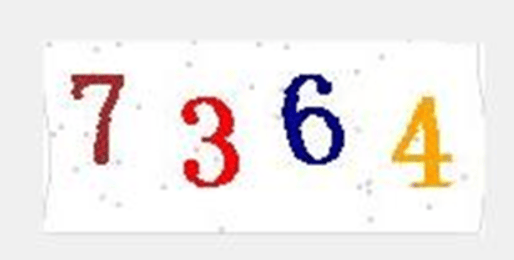
First, understand the basic usage, which is to input the variable-length English numeric captcha image that needs to be processed to obtain the processed result. You need to simply pass a field calledimage, which is the specific English numeric captcha image, as shown in the figure:

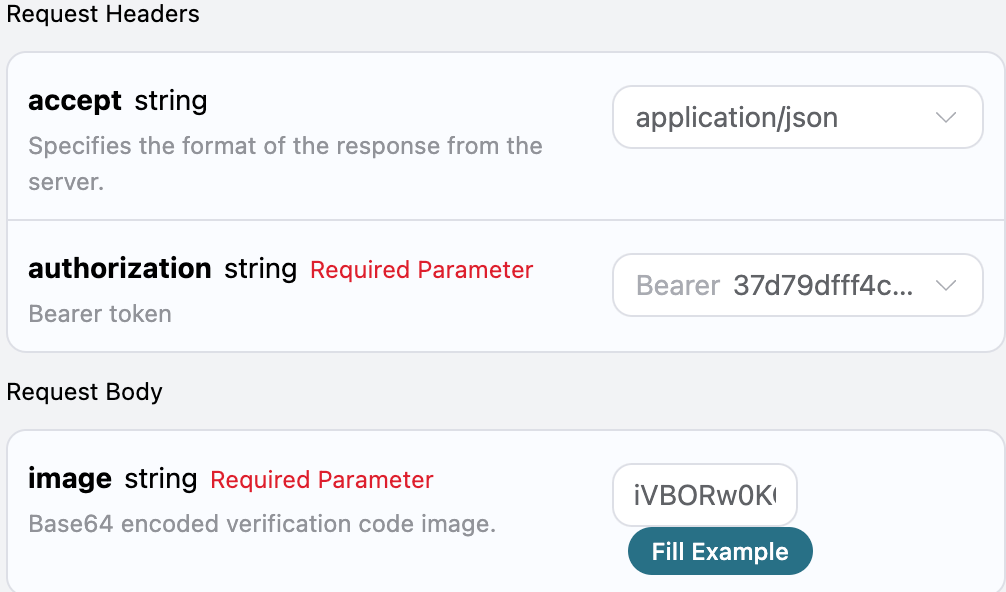
accept: the format of the response result you want to receive, here filled in asapplication/json, which means JSON format.authorization: the key to call the API, which can be directly selected after application.
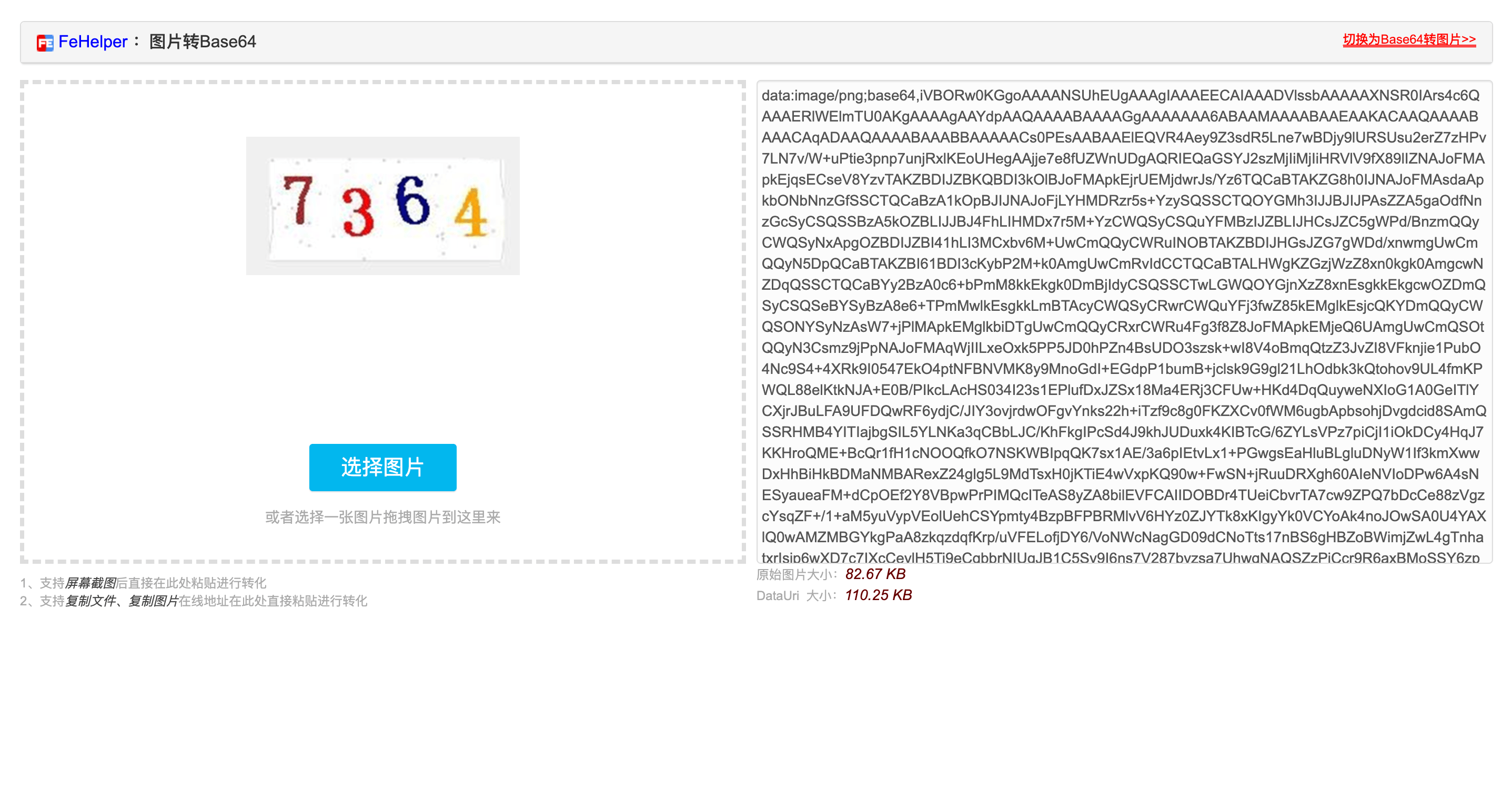
image: the Base64 encoded captcha image (without the prefix data:image/png;base64).
text: the text content after processing the variable-length English numeric captcha image task.started_at,finished_at: the time when this request started processing and produced results, in Unix timestamp (seconds, floating point).elapsed: the total time taken for this processing (seconds).
text result.
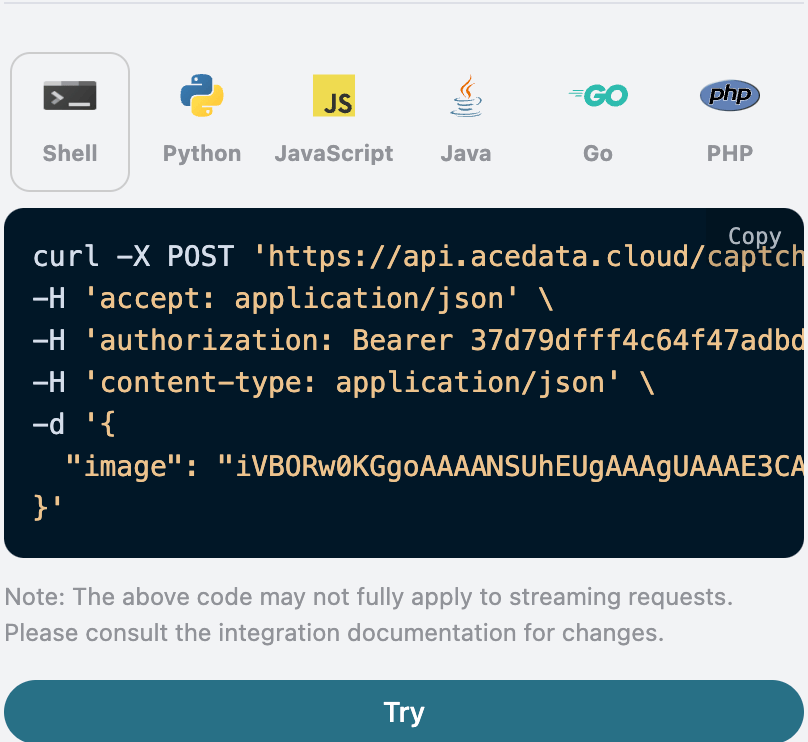
Additionally, if you want to generate the corresponding integration code, you can directly copy the generated code, for example, the CURL code is as follows:
Asynchronous Mode (async)
By default, the API is synchronous and blocking: a request will wait until the recognition result is processed before returning. If you are doing multi-solver rotation and want to “submit the task and immediately get the task_id, then schedule other solvers and come back later to read the result,” you can passasync: true in the request body.
After passing async: true, the interface will immediately return a task_id without blocking:
task_id to query POST /captcha/tasks (recommended every 3-5 seconds). This interface will not trigger or advance task processing; even if you do not query, lose network connection, or exit the client, the server will continue processing:
status: processing:
status: ready and the recognition result text (the field structure is completely consistent with the synchronous mode):
timeout, and no charge will be incurred. /captcha/tasks is not responsible for advancing tasks.
Error Handling
When calling the API, if an error occurs, the API will return the corresponding error code and message. For example:400 token_mismatched: Bad request, possibly due to missing or invalid parameters.400 api_not_implemented: Bad request, possibly due to missing or invalid parameters.401 invalid_token: Unauthorized, invalid or missing authorization token.429 too_many_requests: Too many requests, you have exceeded the rate limit.500 api_error: Internal server error, something went wrong on the server.