

Overview of Works
Let’s take a look at a few QR code works: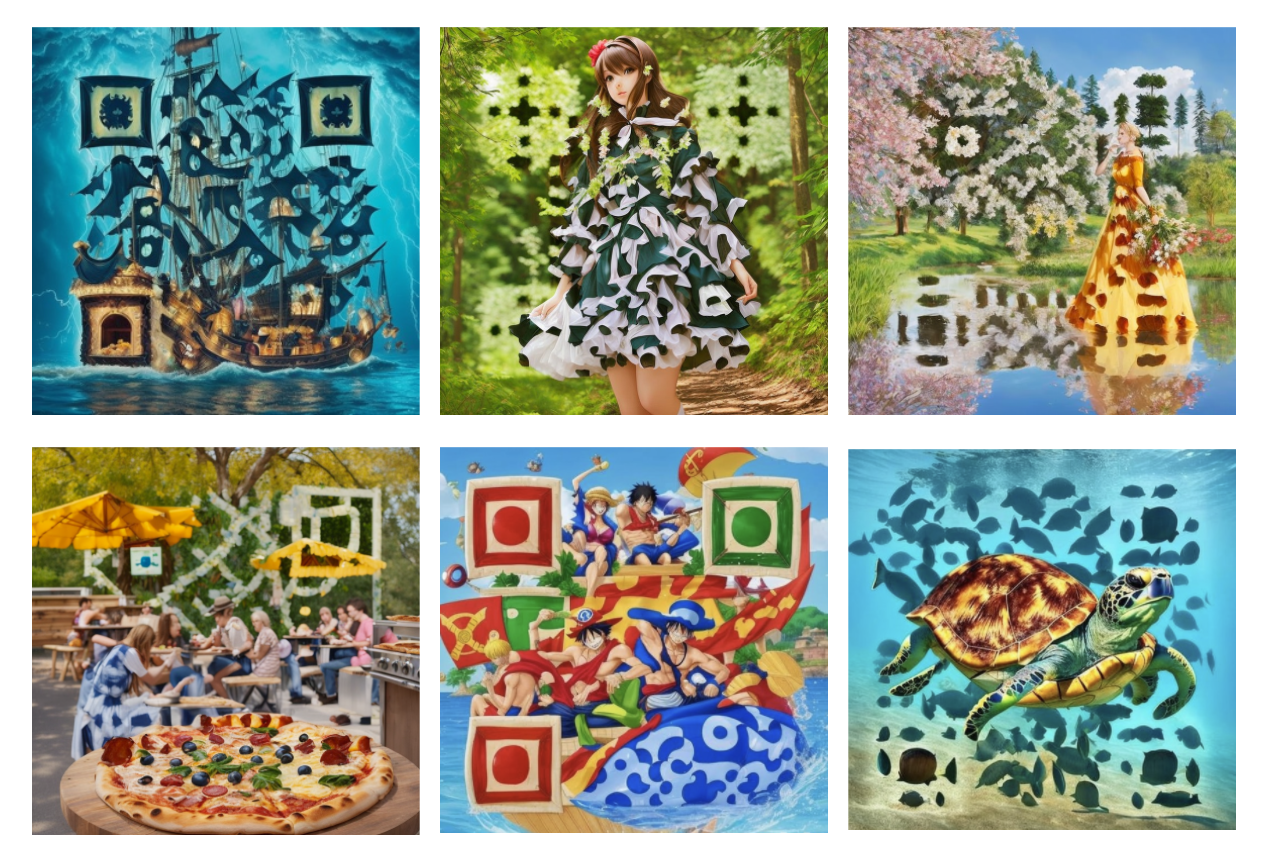 What do you think? These QR codes are art QR codes, achieving a perfect combination of images and QR codes, and are more artistic than ordinary QR codes. Moreover, the key point is that each QR code can be scanned!
How to Create?
Want to create such a QR code? How to make such an art QR code? In fact, this is relatively complex from a technical perspective. In today’s AI era, the current solution for art QR codes is based on Stable Diffusion. By inputting prompts, we can generate corresponding images, and by combining some QR code content, we can ultimately achieve such effects. So the main challenge here is: how to make the QR code look good and artistic while ensuring it can be scanned correctly. To be honest, this technology is quite difficult and requires a lot of parameter adjustments to achieve even slightly better results. About 99% of people give up at the first step. Assuming that through continuous adjustments, we really achieve such effects, running it in practice also incurs significant costs. If you want it to be relatively fast, you might need a high-performance GPU, which could easily cost tens of thousands. Some friends might say: I don’t want to spend so much effort, and I don’t want to spend so much money. I just want to make an art QR code, or I want to integrate this capability into my product. It would be great if there were a ready-made API for this. Is there? There really is. This platform provides an API for generating art QR codes. We can call the API and input various parameters, such as image content, QR code link, style, and other parameters, to easily generate the desired art QR code. Moreover, the first application offers 20 free drawing attempts.Apply for API
To use the art QR code API, you can first go to the Art QR Code API page and click the “Get” button: If you are not logged in, you will be automatically redirected to the login page. You can scan the QR code to follow the public account for automatic login, without any additional registration steps.
After logging in, you will be redirected back to the original page, where it will prompt “You have not applied for this service, you need to apply.” During the application, real-name authentication will be verified, so please complete the real-name authentication as prompted on the website. The real-name authentication will verify your name, phone number, and ID number. After the authentication is completed, you can return to the page, refresh it to ensure the information is updated, and then reapply to pass the application.
If you are not logged in, you will be automatically redirected to the login page. You can scan the QR code to follow the public account for automatic login, without any additional registration steps.
After logging in, you will be redirected back to the original page, where it will prompt “You have not applied for this service, you need to apply.” During the application, real-name authentication will be verified, so please complete the real-name authentication as prompted on the website. The real-name authentication will verify your name, phone number, and ID number. After the authentication is completed, you can return to the page, refresh it to ensure the information is updated, and then reapply to pass the application.
Basic Usage
To use the most basic functions of the art QR code, you need to fill in the following required parameters:type: The type of QR code, such as plain text, link, etc.content: The content of the QR code, for example, if it is a link, we can fill in the corresponding link.prompt: The style drawing instruction corresponding to the QR code, strongly recommended to use English. For example,pizzawill draw a QR code that looks like a pizza.callback_url: Optional, asynchronous callback address, providing it will immediately return the task ID.content_image_url: Optional, the image link containing the real QR code content.aspect_ratio: Optional, canvas aspect ratio, default 1:1.ecl: Error correction level, default H.qrw: QR code weight, 1.5-3, the larger the closer to the real QR code.seed: Fixed random seed, generating reproducible QR codes.steps: Drawing iteration steps, 10-20, default 16.preset: Preset background style.pattern: Main style, default custom.position: QR code position, default center.marker_shape: Positioning point shape, default square.sub_marker: Auxiliary positioning point shape, default square.pixel_style: Pixel style, such as square, rounded, dot.padding_level/padding_noise: Whitespace and noise intensity.rotate: Rotation angle, default 0.rawurl: Whether to keep the original link, default false, when enabled, no short link is made.
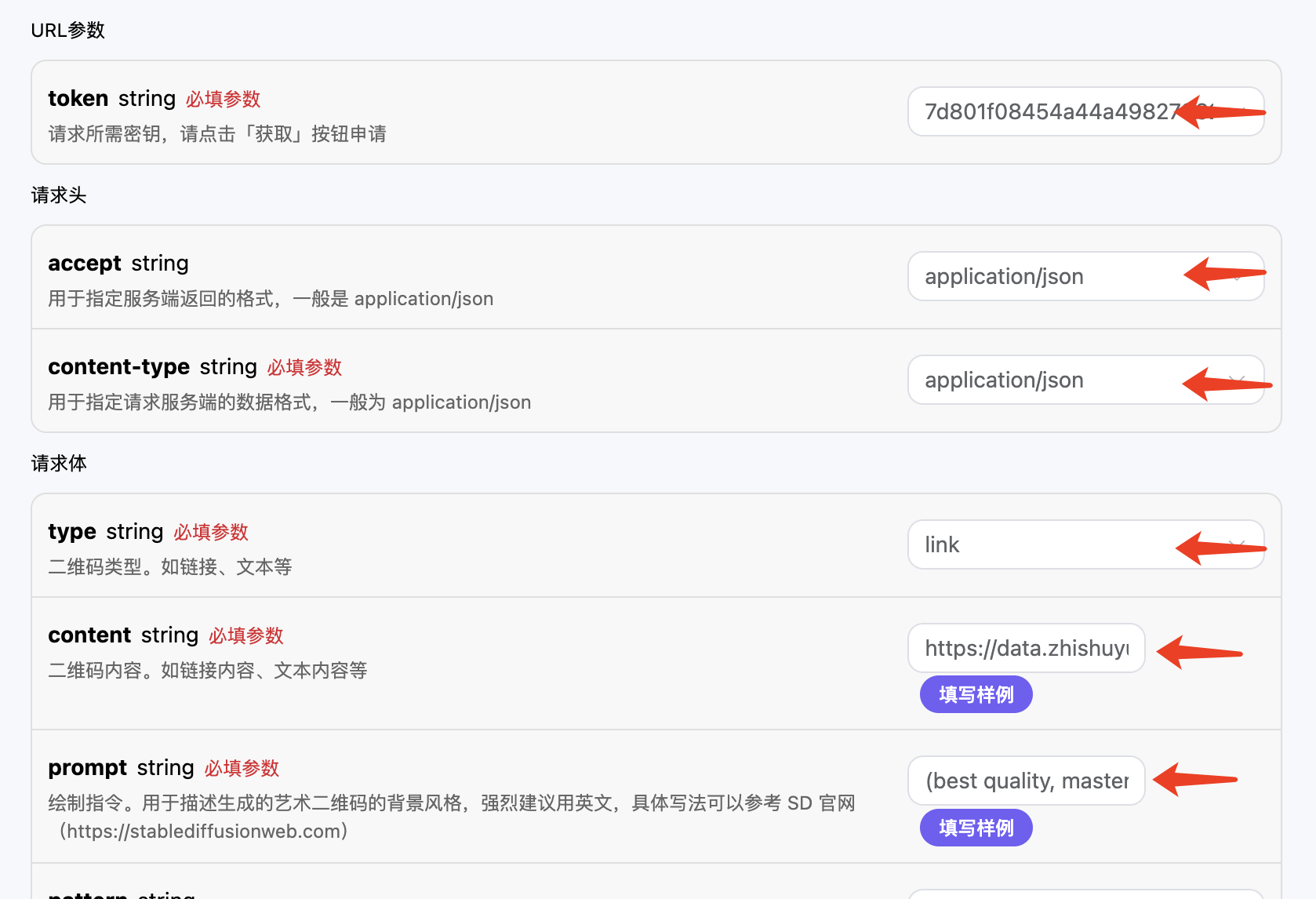 Then click test:
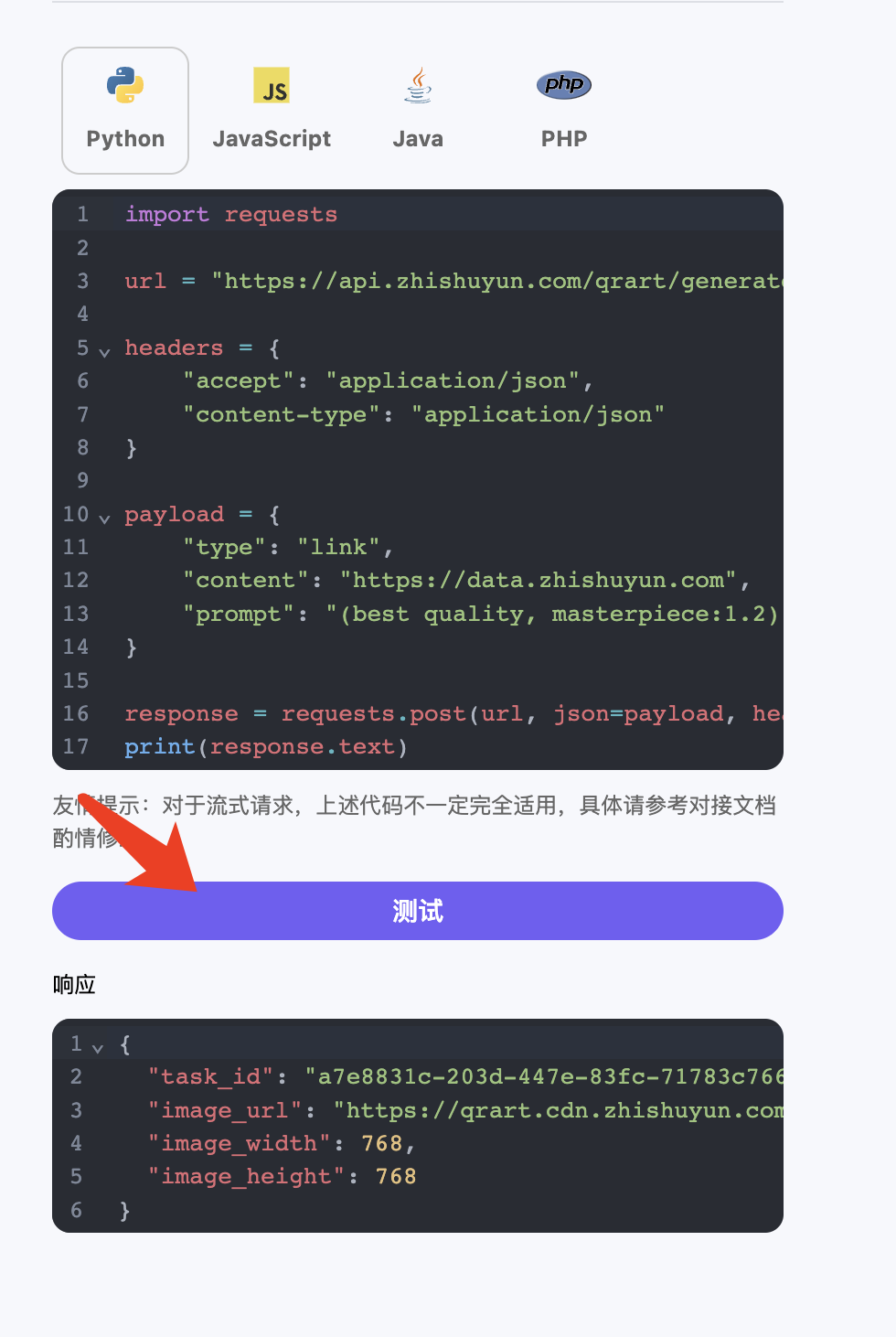 After a while, you will find that the art QR code has been generated, and the result is similar to the following:
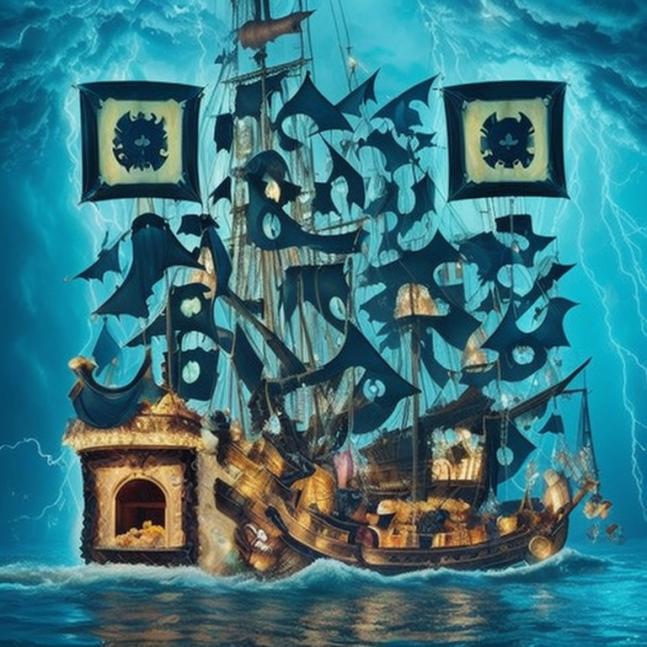 In this way, we have generated a QR code, the main subject is a ship, flying several flags, and these flags just happen to form the positioning points of the QR code.
By scanning it with a mobile phone, you can jump to the official website of Zhishuyun.
At the same time, the above content calling scheme can be easily converted into an API call.
In this way, we have generated a QR code, the main subject is a ship, flying several flags, and these flags just happen to form the positioning points of the QR code.
By scanning it with a mobile phone, you can jump to the official website of Zhishuyun.
At the same time, the above content calling scheme can be easily converted into an API call.
Prompt Guide
Through the above operations, it can be seen that the key to artistic QR codes lies in the writing of prompts. What are the considerations for writing prompts? In fact, these are all general Stable Diffusion prompt instructions. Artistic QR codes are generated based on Stable Diffusion technology with some special tuning, so its input prompts are exactly the same as those of Stable Diffusion. If you still don’t know what Stable Diffusion is, you can visit its official website to learn more: https://stablediffusionweb.com/, and there are also prompt tutorials and guides: https://stable-diffusion-art.com/prompt-guide/. Additionally, Stable Diffusion has created a prompt generator that can help us generate prompts: https://stablediffusionweb.com/prompt-generator. Furthermore, there are some prompt sample collection websites: https://publicprompts.art/. The above content is for reference only. For more, you can search for materials related to Stable Diffusion for further learning.Advanced Parameters
This API also provides more advanced parameters for more functional customization, as described below:- preset: Preset background style. The style of the QR code background, such as surreal style, neon effect, hand-drawn style, etc.
- steps: Drawing iteration count. The higher the count, the stronger the artistic style of the drawn QR code, with a range of 10-20, default is 16.
- qrw: QR code weight. The larger the weight, the closer the image is to a real QR code, but the artistic style will weaken, with a range of 1.5-3, default is 1.5.
- seed: Random seed. Used to generate random QR codes. When the seed is the same, the generated QR code style is the same, with a range of 1-9007199254740991.
- rawurl: Whether to keep the original link. By default, the input link will be shortened to a short link, which can improve the scanning rate, this value defaults to false.
- padding_level: QR code inner margin. The size of the inner margin of the QR code.
- aspect_ratio: QR code aspect ratio.
- position: QR code position.
- pixel_style: QR code pixel style.
- marker_shape: QR code positioning frame shape.
- sub_marker: QR code sub-marker style.
- rotate: QR code rotation angle.
- ecl: QR code error correction level.
- padding_noise: QR code inner margin noise.
- pattern: Preset QR code combination. Preset QR code style combinations, such as the style of the positioning frame (square, round, etc.), and the style of the dots (square, round, etc.).
Preset preset
The artistic QR code API has set many preset templates, this parameter is called preset, with the following values:- sunset: Merging the warm tones and soft lighting effects of the sunset.
- floral: An artistic style featuring floral and plant elements, emphasizing the beauty of nature.
- snowflakes: An icy world with a cold atmosphere of ice crystals and snowflakes.
- feathers: Presenting feather and bird characteristics, creating a light and soft feeling.
- raindrops: Inspired by raindrops and water droplets, creating a fresh and moist effect.
- ultra-realism: Extremely realistic details and textures, creating an effect that transcends reality.
- epic-realms: Magnificent scenes and an epic feel, providing a grand visual experience.
- intricate-studio: A style rich in detail and complexity that requires careful observation to fully understand.
- symmetric-masterpiece: Creating exquisite balance and harmony through symmetrical elements.
- luminous-highway: Emphasizing glowing effects at night, such as car lights and neon lights.
- celestial-journey: Exploring a fantastical journey through the universe and interstellar space.
- neon-mech: Combining neon lights and mechanical elements to create a futuristic feel.
- ethereal-low-poly: A low-poly style that creates an ethereal and abstract effect.
- golden-vista: Dominated by golden tones, presenting a spectacular visual scene.
- cinematic-expanse: A vast scene with a cinematic feel, captivating the viewer.
- cinematic-warm: Warm tones and lighting effects with a cinematic quality.
- desolate-wilderness: Depicting desolation and wilderness, creating a sense of solitude.
- vibrant-palette: A rich and diverse color palette with strong color contrasts.
- enigmatic-journey: Exploring a journey filled with mystery and intrigue.
- timeless-cinematic: A style with a cinematic quality that is not bound by time.
- regal-galaxy: A galaxy with a royal atmosphere and cosmic elements.
- illustrious-canvas: Creating an outstanding and eye-catching canvas effect.
- expressive-mural: A large mural style full of expressiveness and emotion.
- serene-haze: Featuring tranquility and a hazy effect, creating a peaceful atmosphere.
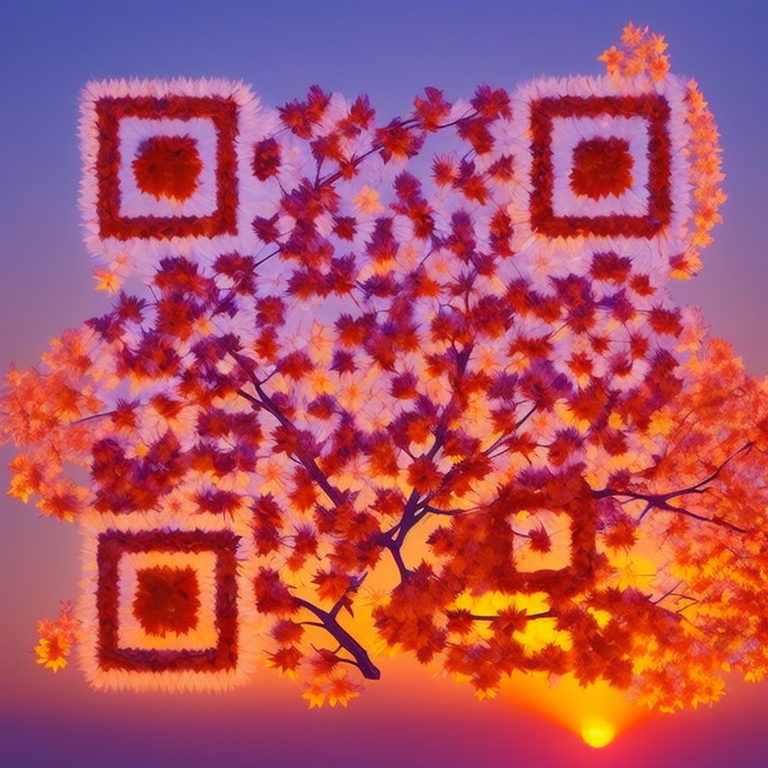 If we change the style, for example, changing the preset parameter to raindrops, the effect is as follows:
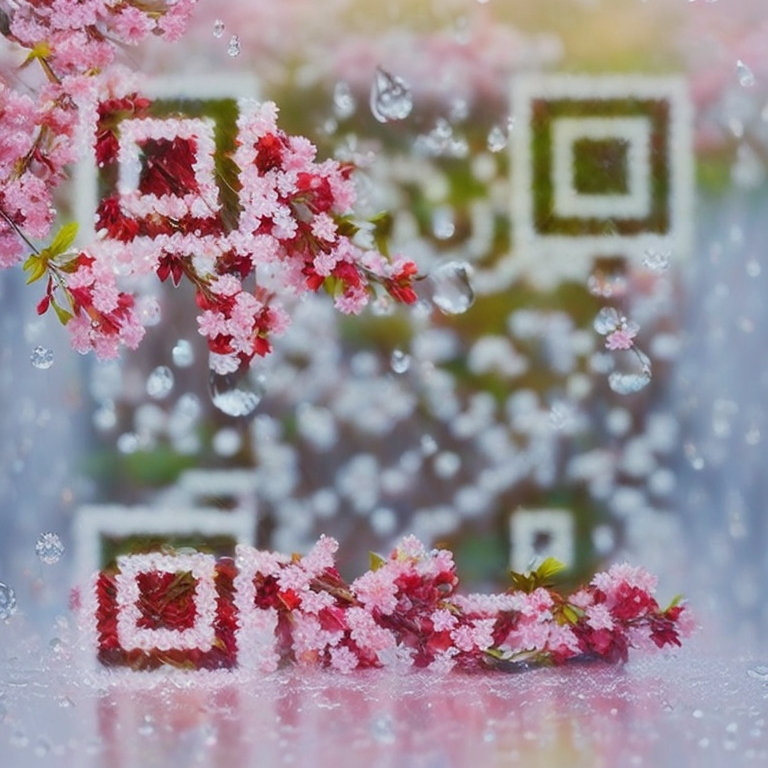 You can experiment with other settings on your own.
QR Code Aspect Ratio aspect_ratio
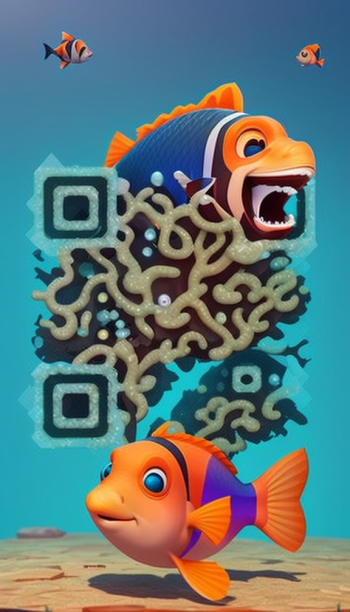
Through the aspect_ratio parameter, we can set the aspect ratio of the QR code, such as square 1:1, rectangle 16:9, etc. This parameter:- 768x768: Aspect ratio of 1:1, indicating that the width and height of the canvas are equal. The corresponding pixel size is 768x768, and the generated QR code canvas is square.
- 1008x576: Aspect ratio of 16:9, indicating that the width of the canvas is 16/9 times the height. The corresponding pixel size is 1008x576, and the generated QR code canvas has a larger width, suitable for widescreen display.
- 576x1008: Aspect ratio of 9:16, indicating that the width of the canvas is 9/16 times the height. The corresponding pixel size is 576x1008, and the generated QR code canvas has a larger height, suitable for portrait display.
- 864x672: Aspect ratio of 4:3, indicating that the width of the canvas is 4/3 times the height. The corresponding pixel size is 864x672, and the generated QR code canvas has a slightly square feel, suitable for general display.
- 672x864: Aspect ratio of 3:4, indicating that the width of the canvas is 3/4 times the height. The corresponding pixel size is 672x864, and the generated QR code canvas has a slightly vertical rectangular feel, suitable for general display.
QR Code Position position
We can also control the position of the QR code through the position parameter. For example, if there is a picture with a girl wearing a dress, and we want to place the QR code in the position of the dress and blend it in, we can try to change the position of the QR code, as shown in the following example: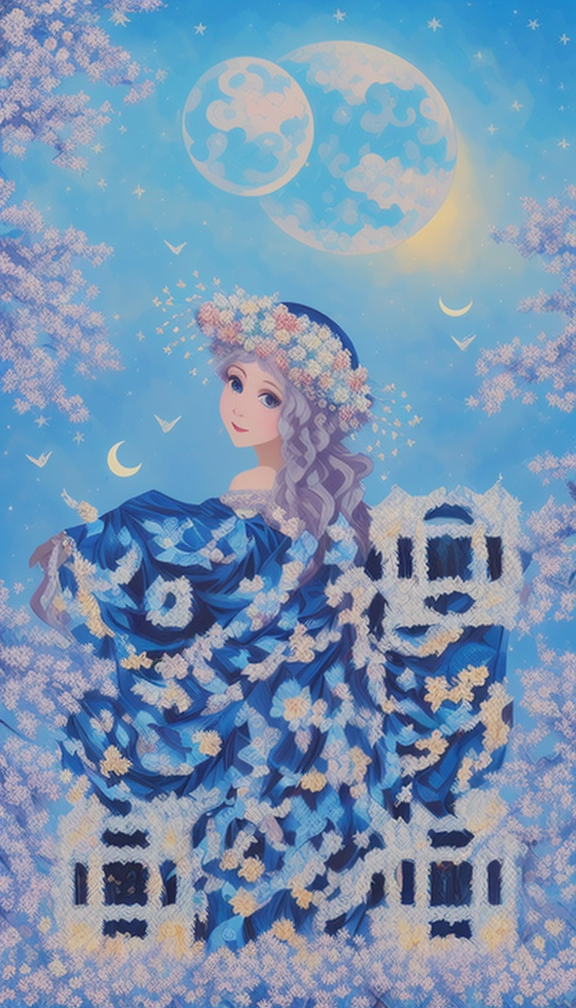
QR Code Pixel Style pixel_style
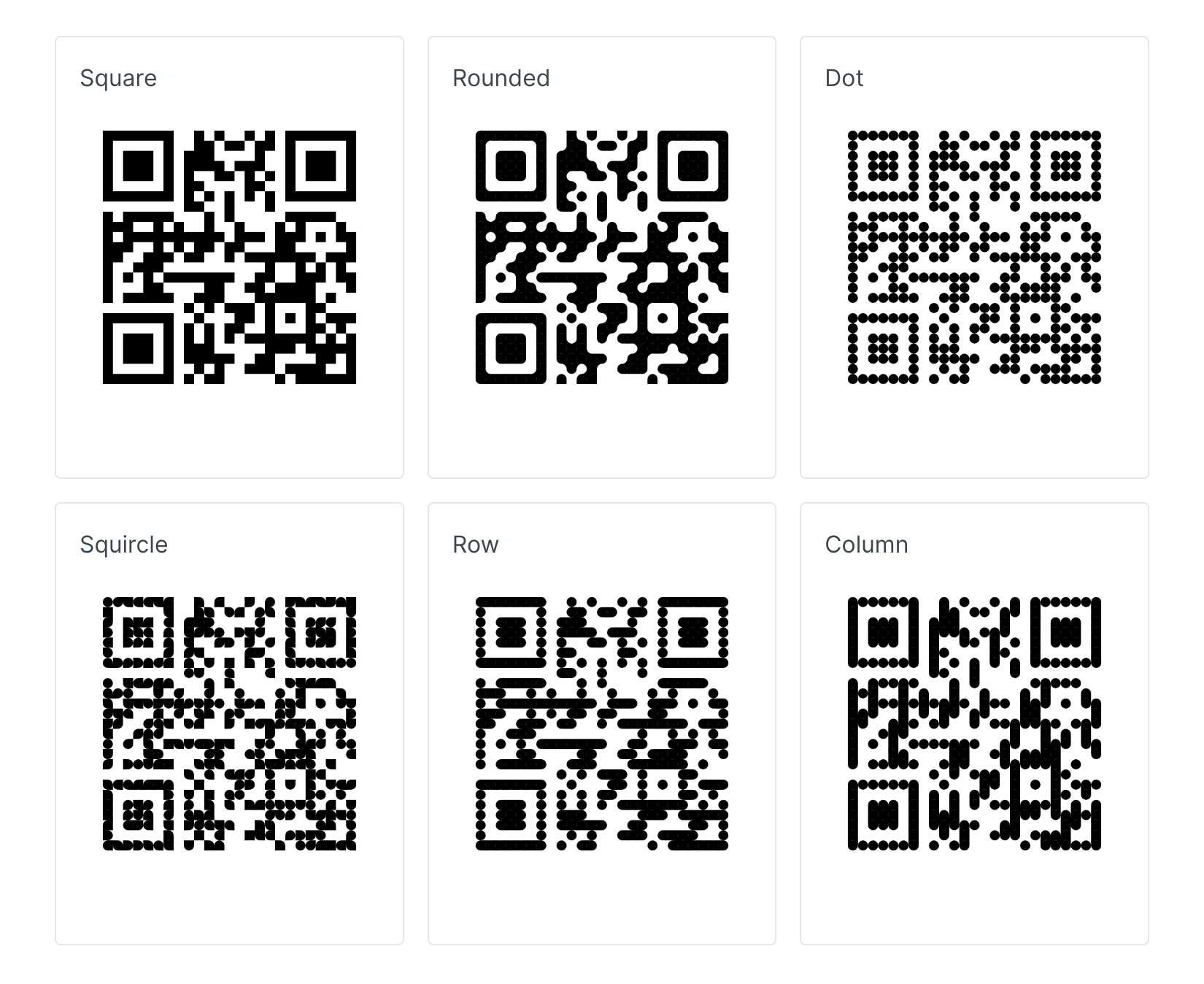
We can also customize the pixel style of the QR code by passing in pixel_style, with the following optional parameter values:- square: uses square pixel units, each pixel unit is in the shape of a square.
- rounded: pixel units have rounded corners, making the generated QR code look softer and more modern.
- dot: uses small dots as pixel units, resulting in a dot matrix effect for the generated QR code, similar to a printed effect.
- squircle: similar to a rounded rectangle, but closer to a circular shape, giving the generated QR code a unique style.
- row: arranges pixel units in rows, presenting a horizontal pattern.
- column: arranges pixel units in columns, presenting a vertical pattern.
QR Code Frame Style marker_shape
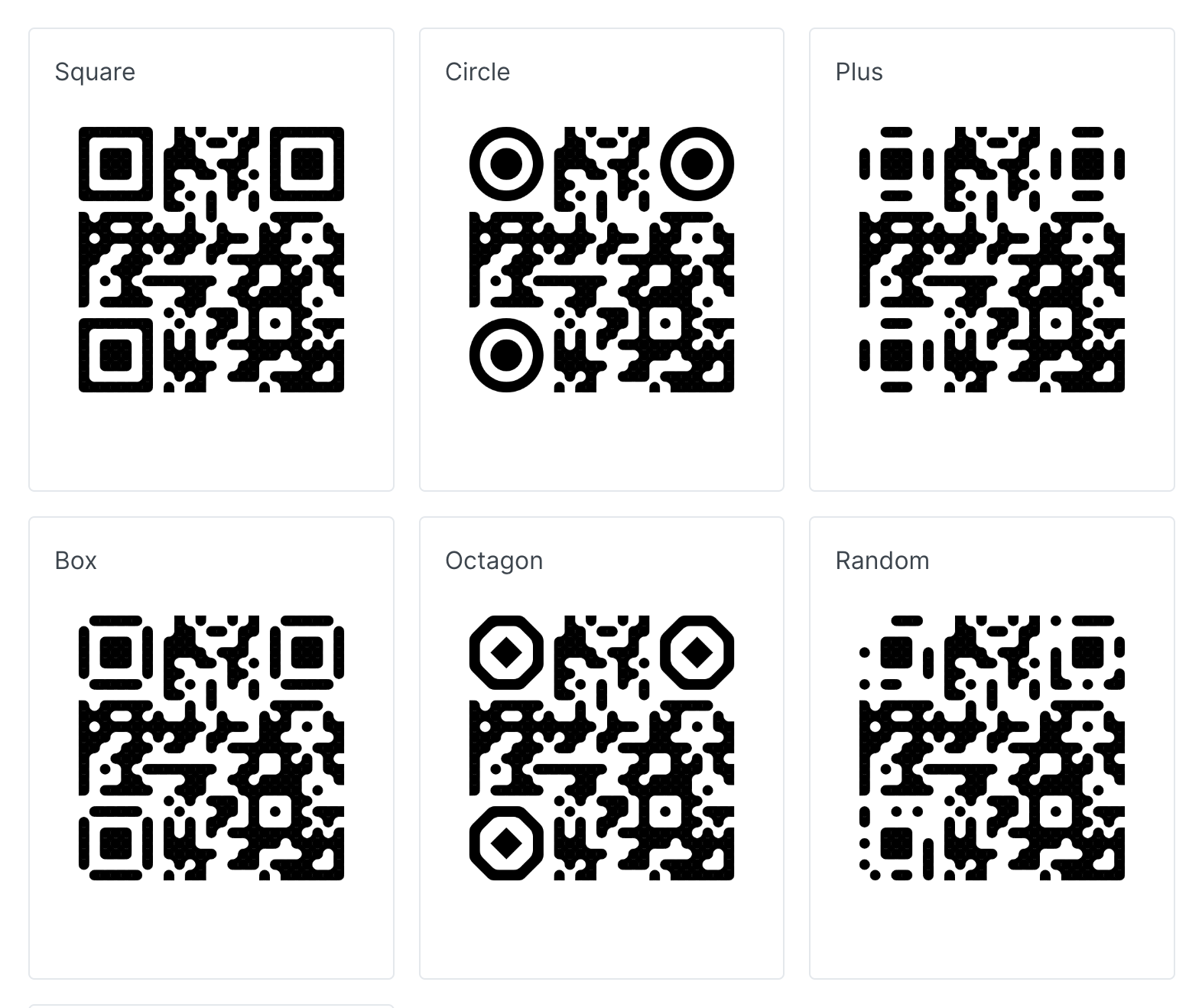
The marker_shape can be used to customize the style of the positioning frame, with the following optional parameter values:- square: the marker shape is square, used to highlight specific positions or elements.
- circle: the marker shape is circular, can be used to mark key areas or elements.
- plus: the marker shape is a plus sign, similar to a cross shape, used to highlight attention or specific information.
- box: the marker shape is a box, similar to an outlined rectangle, used to surround areas or elements.
- octagon: the marker shape is an octagon, with unique corners, used for visual attraction.
- random: the marker shape is randomly distributed, adding an artistic and visual interest to the QR code.
- tiny-plus: a tiny plus sign marker, can be used to mark subtle elements or details.
QR Code Sub-marker Style sub_marker
The sub_marker can be used for the shape of sub-markers (smaller markers), with the following optional parameter values:- square: the shape of the sub-marker is square, can be used to highlight details of specific positions.
- circle: the shape of the sub-marker is circular, can be used to emphasize key details or elements.
- box: the shape of the sub-marker is a box, similar to an outlined rectangle, suitable for marking small areas.
- random: the shape of the sub-marker is randomly distributed, adding an artistic and visual interest to the QR code.
- plus: the shape of the sub-marker is a plus sign, similar to a cross shape, can be used to mark subtle information or elements.
QR Code Rotation Angle rotate
The rotate can control the rotation angle of the QR code, with the following optional parameter values:- 0: no rotation, the generated QR code maintains its original direction, with no rotation effect.
- 90: rotates the generated QR code 90 degrees clockwise, displaying it in a vertical direction.
- 180: rotates the generated QR code 180 degrees, making it upside down, i.e., displayed in an inverted manner.
- 270: rotates the generated QR code 270 degrees clockwise, displaying it in a reverse vertical direction.
QR Code Preset pattern
The pattern can conveniently enable some QR code style features, such as square positioning frames, circular pixel dots, etc. Here are some predefined patterns:| pattern | Meaning | |
|---|---|---|
| s1 | pixel_style: square marker_shape: square | 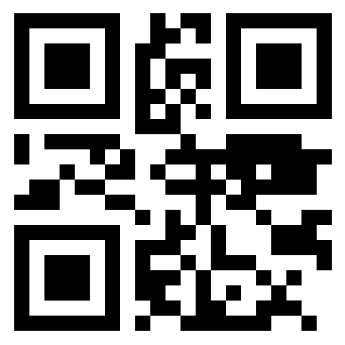 |
| s2 | pixel_style: square marker_shape: square rotate: 180 | 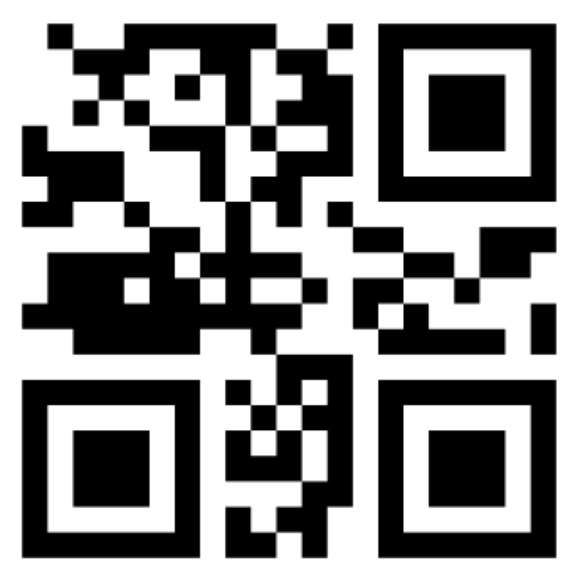 |
| s3 | pixel_style: square marker_shape: square rotate: 180custom_padding_noise: 0.25 | 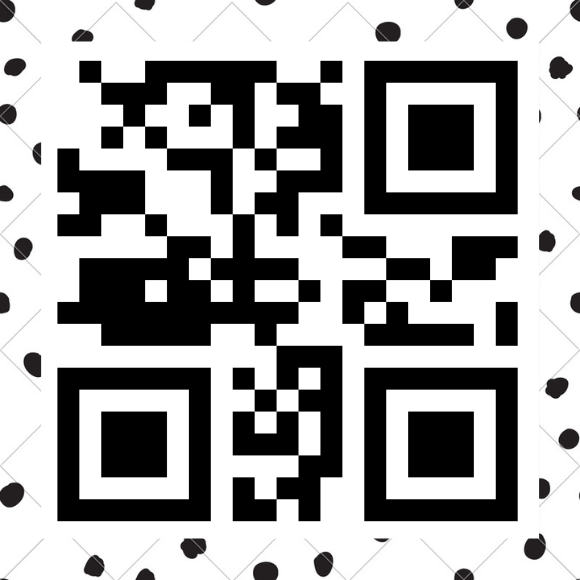 |
| rd1 | pixel_style: rounded marker_shape: random | 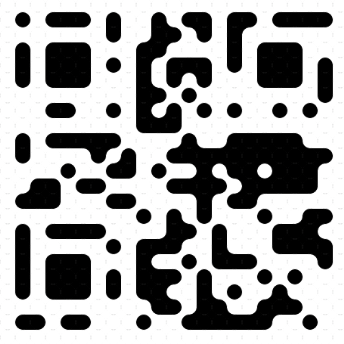 |
| rd2 | pixel_style: rounded marker_shape: random rotate: 180 | 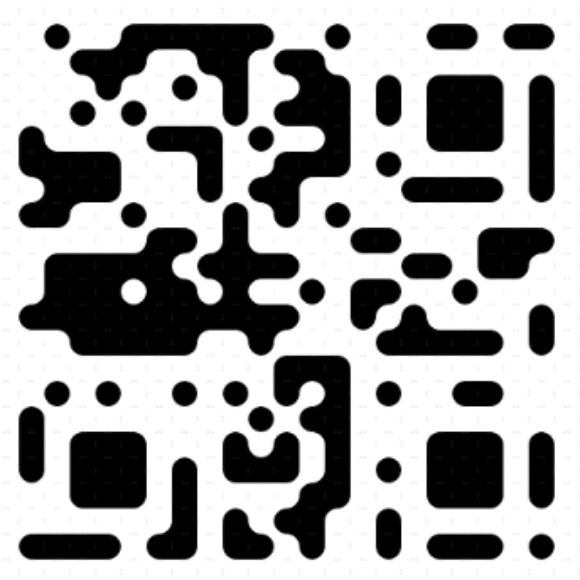 |
| rd3 | pixel_style: rounded marker_shape: random rotate: 180custom_padding_noise: 0.25 | 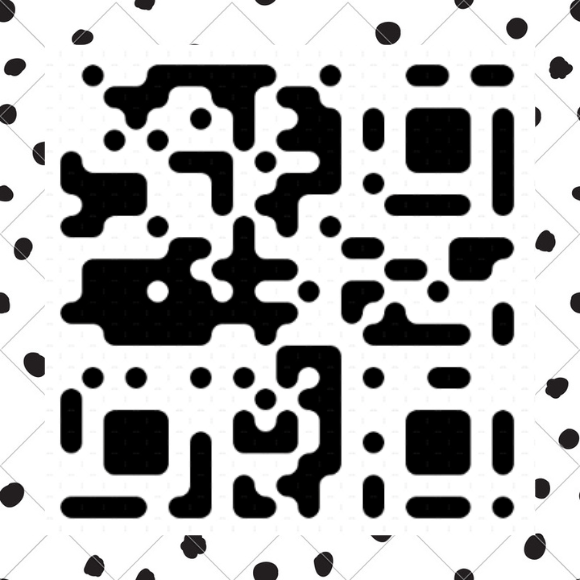 |
| d1 | pixel_style: dot marker_shape: circle | 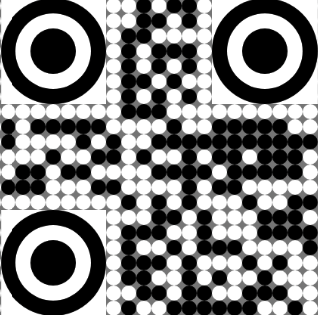 |
| d2 | pixel_style: dot marker_shape: circle rotate: 180 | 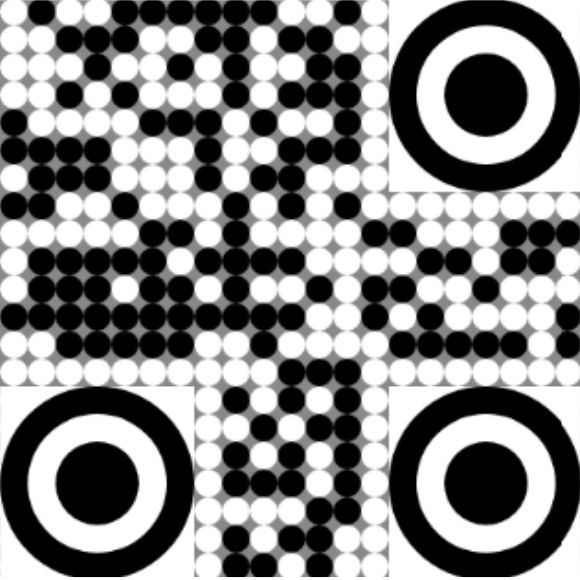 |
| d3 | pixel_style: dot marker_shape: circle rotate: 180custom_padding_noise: 0.25 | 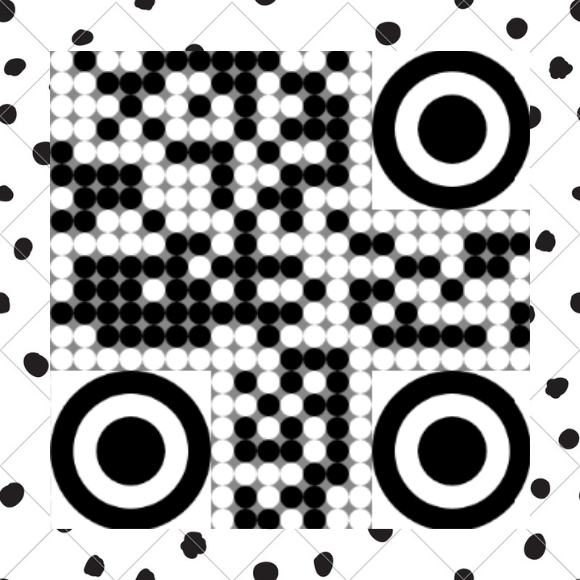 |
| r1 | pixel_style: row marker_shape: plus | 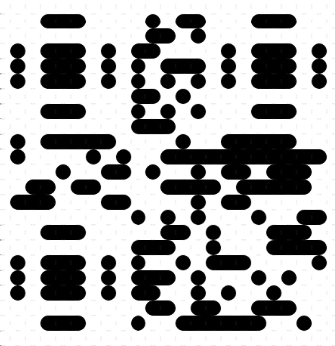 |
| r2 | pixel_style: row marker_shape: plus rotate: 180 | 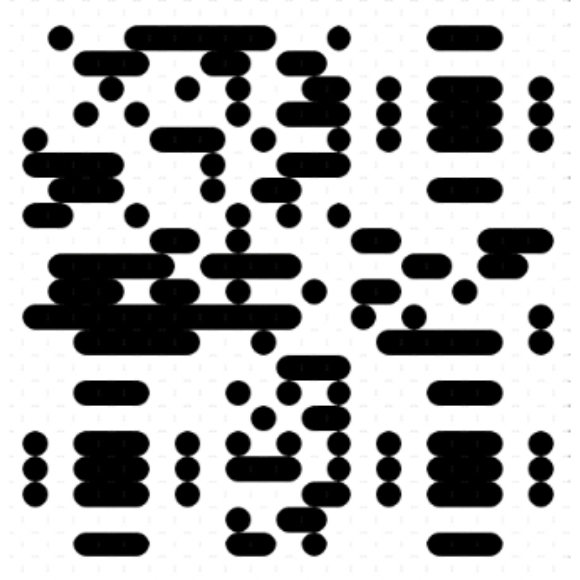 |
| r3 | pixel_style: row marker_shape: plus rotate: 180custom_padding_noise: 0.25 | 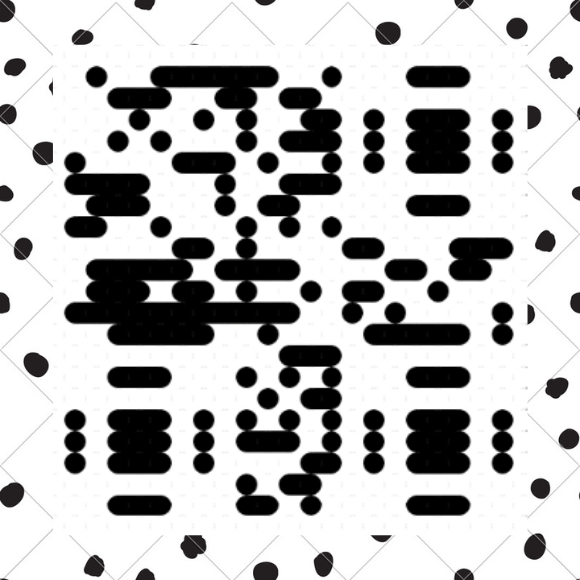 |
| c1 | pixel_style: column marker_shape: box | 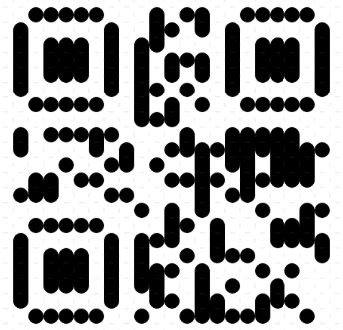 |
| c2 | pixel_style: column marker_shape: box rotate: 180 | 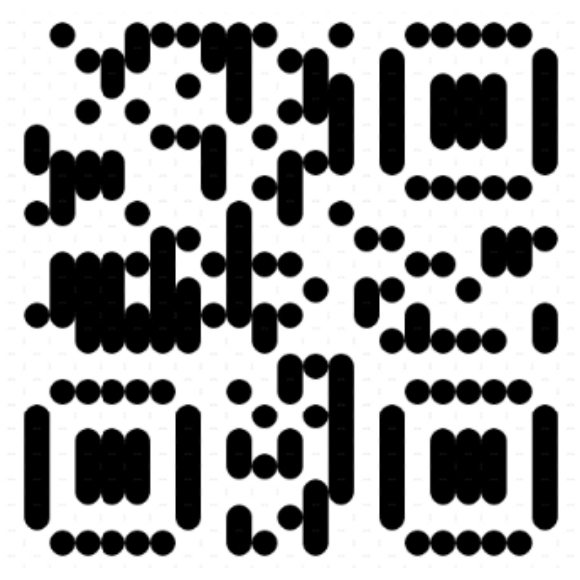 |
| c3 | pixel_style: column marker_shape: box rotate: 180custom_padding_noise: 0.25 | 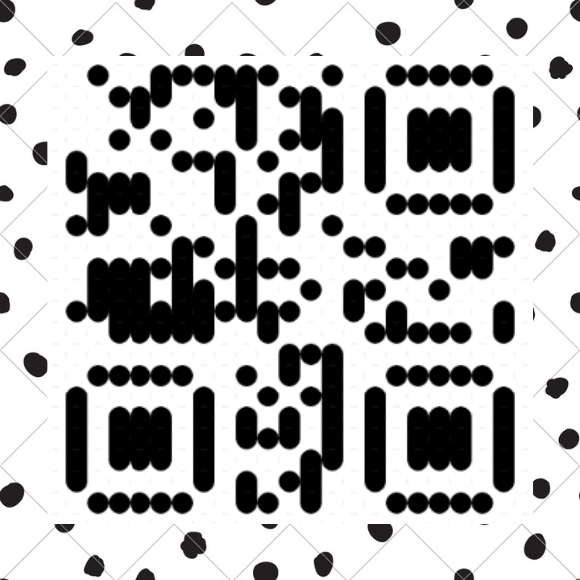 |
| sq1 | pixel_style: squircle marker_shape: random | 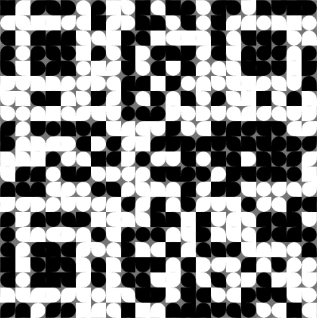 |
| sq2 | pixel_style: squircle marker_shape: random rotate: 180 | 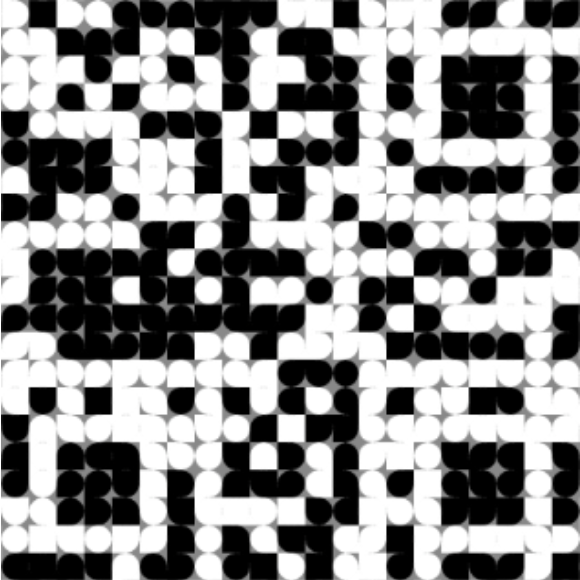 |
| sq3 | pixel_style: squircle marker_shape: random rotate: 180custom_padding_noise: 0.25 | 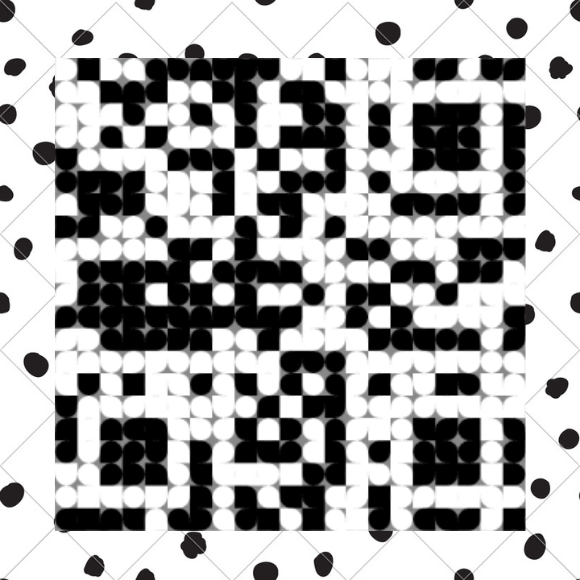 |