

Application Process
To use the Bank Card Basic Information Query API, first go to the Ace Data Cloud Console to obtain your API Token for future use. If you are not logged in or registered, you will be automatically redirected to the login page inviting you to register and log in. After completing this, you will be automatically returned to the current page.
One API Token can call all services on the platform, no need to apply separately for each service. The first application will grant a free quota for a trial experience; when the quota is insufficient, you can recharge the general balance in the console.
If you are not logged in or registered, you will be automatically redirected to the login page inviting you to register and log in. After completing this, you will be automatically returned to the current page.
One API Token can call all services on the platform, no need to apply separately for each service. The first application will grant a free quota for a trial experience; when the quota is insufficient, you can recharge the general balance in the console.
📘 Complete documentation: Bank Card Basic Information Query API →
Basic Usage
First, understand the basic usage method, which is to input the bank card number to obtain the processed verification result. You need to simply pass abank_card field, and we can then fill in the corresponding content on the interface, as shown in the figure:
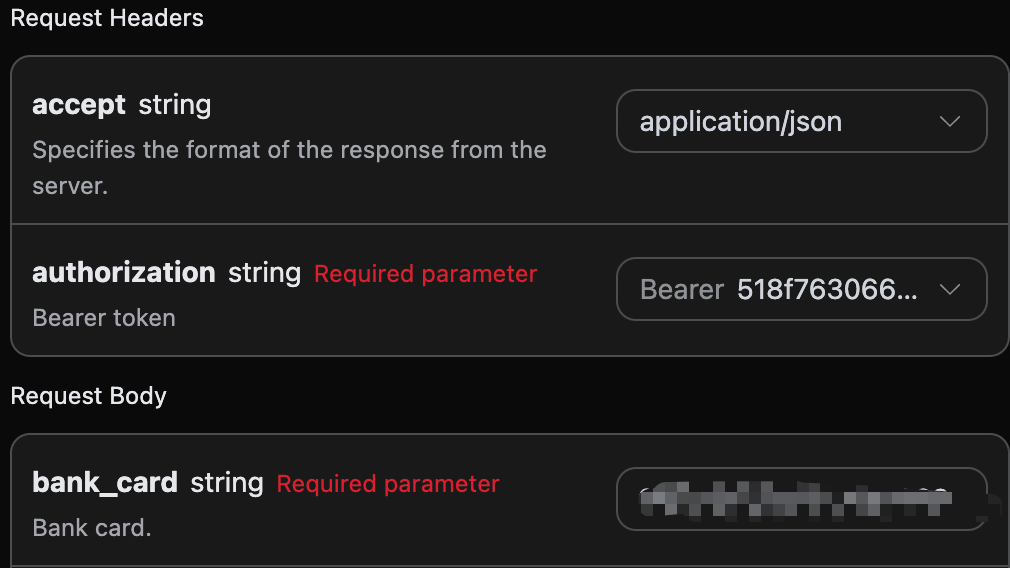
accept: the format of the response result you want to receive, here filled asapplication/json, which is in JSON format.authorization: the key to call the API, which can be directly selected after application.
bank_card: bank card number.encryption: optional, sensitive field encryption parameter (if you need to send encrypted text).
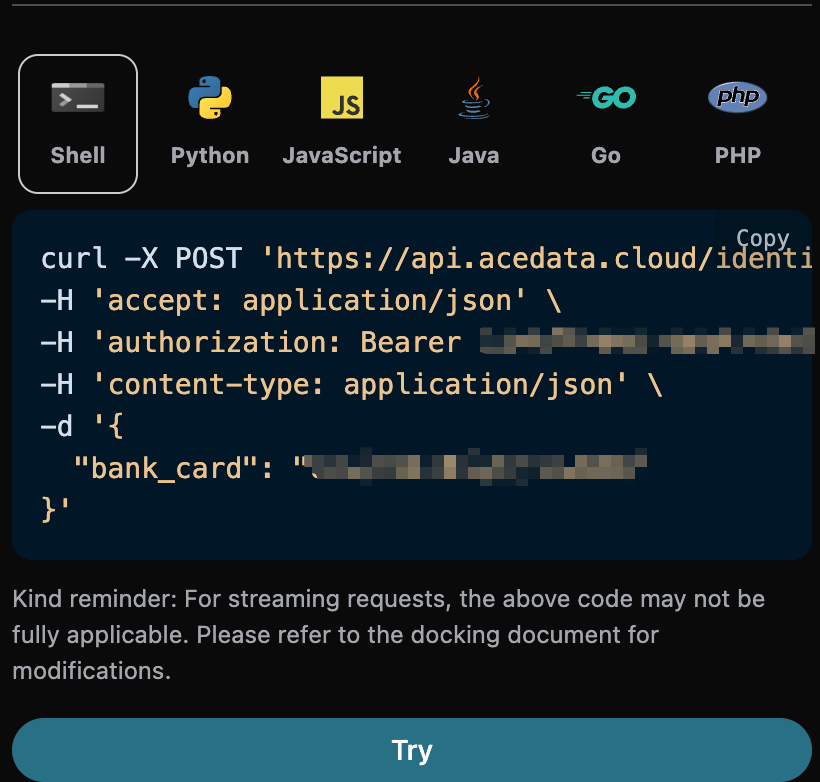
result, authentication result code, charging situation as follows.- Charging result codes:
- 0: Query successful
- -1: No information found
- Non-charging result codes:
- -2: Verification center service busy
- -3: Bank card does not exist
- Charging result codes:
description, business result description.account_bank, account opening bank.account_type, card nature: 1. Debit card; 2. Credit card; 3. Prepaid card; 4. Quasi-credit card.
Error Handling
When calling the API, if an error occurs, the API will return the corresponding error code and message. For example:400 token_mismatched: Bad request, possibly due to missing or invalid parameters.400 api_not_implemented: Bad request, possibly due to missing or invalid parameters.401 invalid_token: Unauthorized, invalid or missing authorization token.429 too_many_requests: Too many requests, you have exceeded the rate limit.500 api_error: Internal server error, something went wrong on the server.